


RA bill abstract
See, work item by work item, what a work order says, what each RA bill claimed, and how much work is still pending.
- Where to find it
- Accounts > RA Bills
- Who can use it
- People who have the View RA Bills permission. The menu item on the list needs the Edit permission.
The abstract is a table for one work order. It puts every RA bill of that order side by side. You use it to check how much a contractor has claimed so far and how much work is left.
For example, a work order has 1,000 square metres of plaster. RA-1 claimed 400 and RA-2 claimed 300. The abstract shows Total Claimed 700 and Pending Work 300.
How to open the abstract
- Open Accounts in the left menu and click RA Bills.
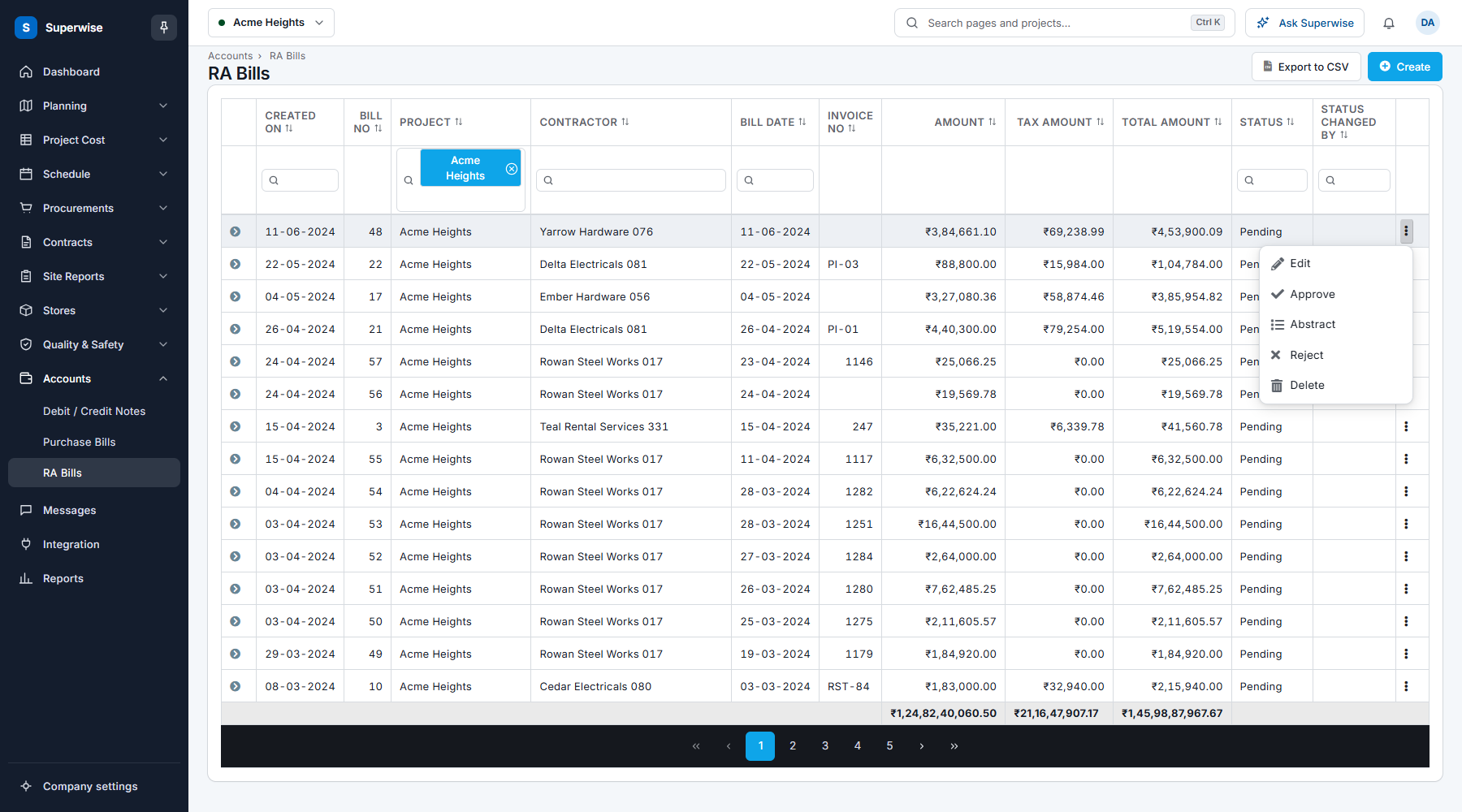
- Click the three dots at the end of the row of any bill of the work order.
- Click Abstract. The abstract opens in a new tab.
How to read the abstract
The top rows show the project, the contractor and the work order. If the work order has retention, a row shows the Cumulative Retention Amount. A note says that all amounts, except retention, include taxes.
Each row of the table is one work item.
| Name | What it means |
|---|---|
| Code | The BOQ code of the work item. |
| BOQ | The name of the work item. |
| Work Order | The Quantity, Rate and Amount of the item in the work order. |
| RA-1, RA-2 and so on | One pair of columns for each RA bill: the quantity and the amount claimed in that bill. |
| Total Claimed | The quantity and the amount claimed in all bills together. |
| Pending Work | The quantity and the amount that are not claimed yet. |
The last row shows the totals of each group of columns.
How to download the abstract
Click Download CSV. The file opens in Excel.