Site engineer
What a site engineer does in Superwise each day, the six screens to use most, and the order to follow on the first day.
- Who can use it
- People whose role lets them add site records. Each screen needs its own permission.
A site engineer works on site and records what happens there. In Superwise you ask for materials, record what arrives, record the workers and the cash spent, log the progress of tasks, and raise problems.
What you do each day
- Log the progress of the tasks that were worked on.
- Record the materials that arrived at site.
- Record the labour that worked on site.
- Record small cash spending.
- Ask for the materials that the next days need.
- Raise an issue when something is wrong.
The screens you use most

| Screen | Menu path | What you do there | Book |
|---|---|---|---|
| Progress Log | Schedule > Progress Log | Log how much of a task is done | Schedule |
| Material Deliveries | Site Reports > Material Deliveries | Record materials that arrive | Material delivery |
| Labour Records | Site Reports > Labour Records | Record the workers of the day | Labour report |
| Petty Cash | Site Reports > Petty Cash | Record small cash spending | Cash expense |
| Material Indents | Procurements > Material Indents | Ask for materials | Material indent |
| Issues | Quality & Safety > Issues | Raise and follow a problem on site | Issues |
Two more screens help: Site Reports > Equipment Rentals (Equipment rental) and Stores > Material Consumption (Material consumed). Quality and safety checks are filled in with checklists. See Checklists.
On a phone, the dashboard has four buttons for site work: Fill checklist, Site photo, Log progress and Receive material.
What to do on the first day
- Sign in and check your profile. See Sign in and password.
- Choose your project in the project picker at the top left. See Find your way.
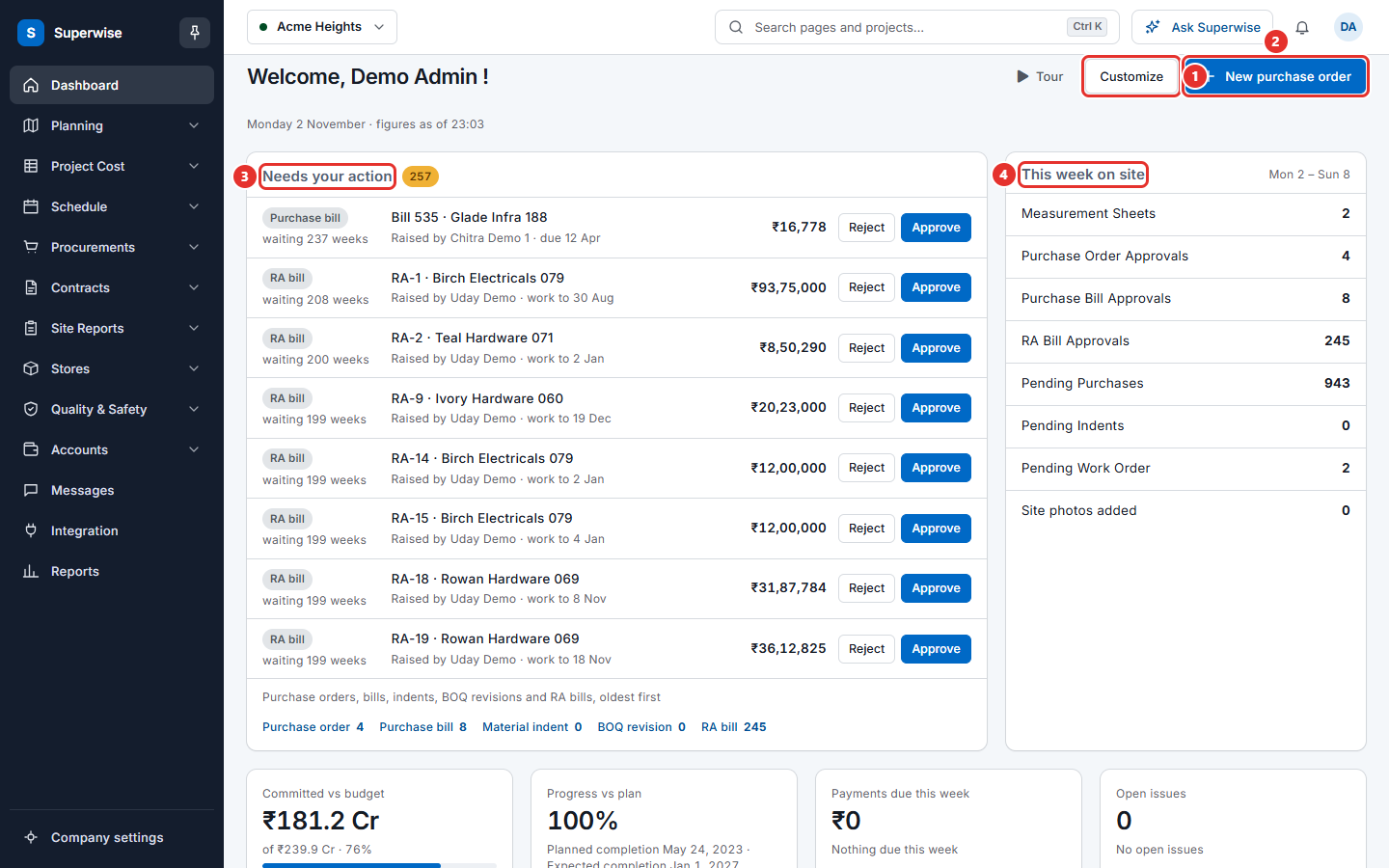
- Open the dashboard and look at This week on site.
- Open Schedule > Progress Log and find the tasks you work on.
- Open Site Reports > Material Deliveries and look at the latest records.
- Open Procurements > Material Indents and see how your company writes an indent.
- Click Ask Superwise and ask one question, to see how it works. See Ask Superwise.